
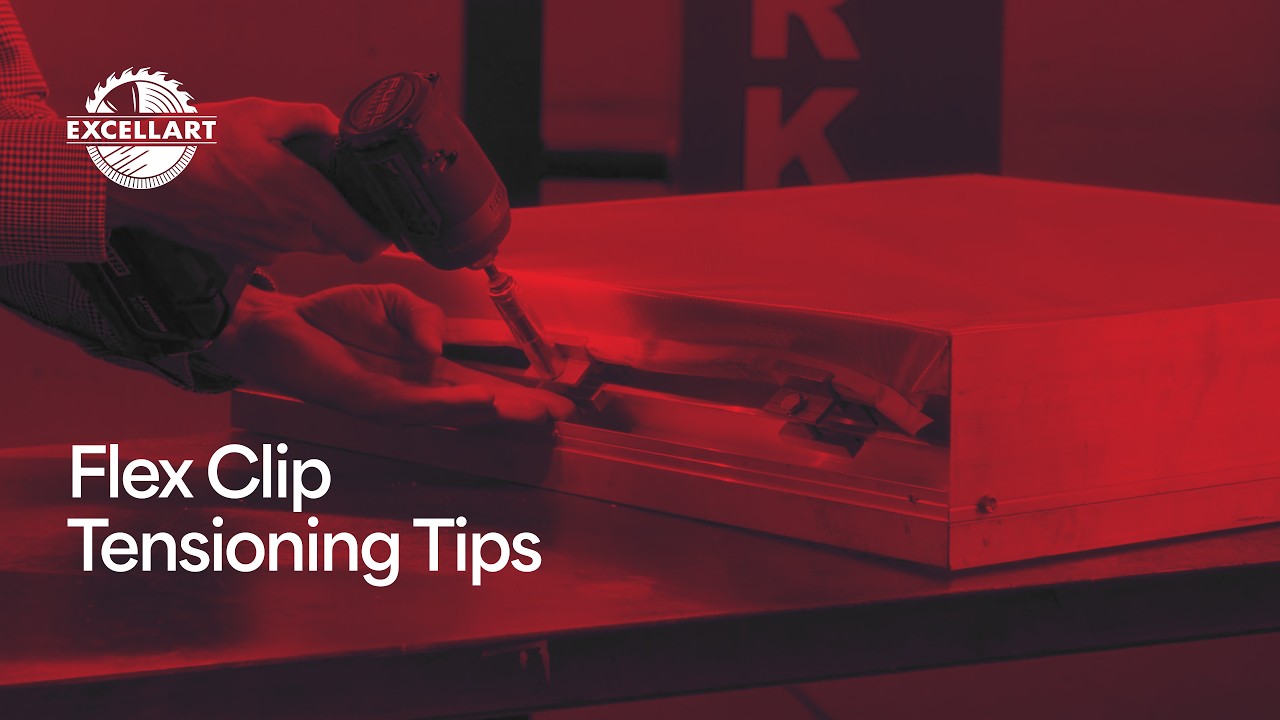
Tensioning a flex face takes some feel. The cabinet shape, clip spacing, and face-material overage all affect how evenly the face pulls across the frame.
Start with enough material, space the clips correctly, tension the face evenly, and check your work before installing the trim.
Plan the Right Face Material Overage
Before producing the face, make sure there is enough material around the perimeter to wrap the tension bars.
Use ESP’s Flex Face Sizing Guidelines to determine the required overage for the selected frame and trim configuration. If you are unsure how much material a particular project requires, contact Excellart before producing the face.
It also helps to include corner marks in the artwork. These marks make it easier to position the face during layout and help prevent the graphic from shifting too far in one direction during tensioning.
Start With Flex Clip Spacing
As a general starting point, ESP typically recommends spacing flex clips approximately 6 to 10 inches on center.
The required spacing can vary with the cabinet’s shape. Circles, tight radiuses, and complex curves may require closer clip spacing to distribute tension properly and reduce wrinkles.
For especially tight areas, the tension bars and clip components can be cut into shorter sections when needed. Most standard applications will not require this, but it gives fabricators another option when working around demanding shapes.
Install the Flex Clips
To install the ESP Flex Standard Clip System, place the tension bar inside the face material and roll the material around it.
Compress the face material slightly and point the clip opening toward the face. Start the clip on a thin section of material where the tension bar is not located instead of attempting to slide it directly over the bar. Once the clip is started on the open material, slide it onto the wrapped tension bar.
Once the clip is in place, the bar secures the face material inside the clip.
As you add clips, watch the material between them. If the face begins bunching along the clip line, gently pull and reposition the material so it lies freely and is not being tensioned unevenly between clips.
Before tightening, make sure the wing of each clip extends over the frame profile.
Watch the complete tutorial: How to Tension a Flex Face Sign Using the ESP Flex Clip System.
Tighten and Adjust the Face
Once each clip is positioned, tighten it using a 7/16-inch or 11 mm socket and driver.
One advantage of the ESP Flex Clip System is that individual clips can be removed and repositioned. If one section needs adjustment, loosen or remove the clip, reposition the face material, and retension it without requiring specialized tools.
Continue working around the cabinet, making small adjustments until the face pulls evenly across the entire frame.
Perform the Drum Test
A properly tensioned flex face should feel tight and produce a drum-like sound when tapped.
Check multiple areas around the sign and confirm that the face is evenly tensioned before installing the trim. This quick final test can help identify loose sections, uneven tension, or remaining wrinkles.
Finish With the Bleed Trim
Once the face is evenly tensioned and passes the drum test, install the ESP Flex Bleed Trim.
Switch to a 5/16-inch bit and use self-drilling screws to secure the trim. Align each trim section with the designated installation line, then drive the screws into place.
The bleed trim covers the tensioning system and allows the face material to extend cleanly beyond the cabinet edge, creating a seamless, borderless appearance.
Find the Right Sign Cabinet for Your Project
Use the Excellart Kit Finder to answer a few project questions and find the right kit configuration. For project-specific questions, or just to chat contact the Excellart team at (800) 627-9044 or hello@excellart.com.